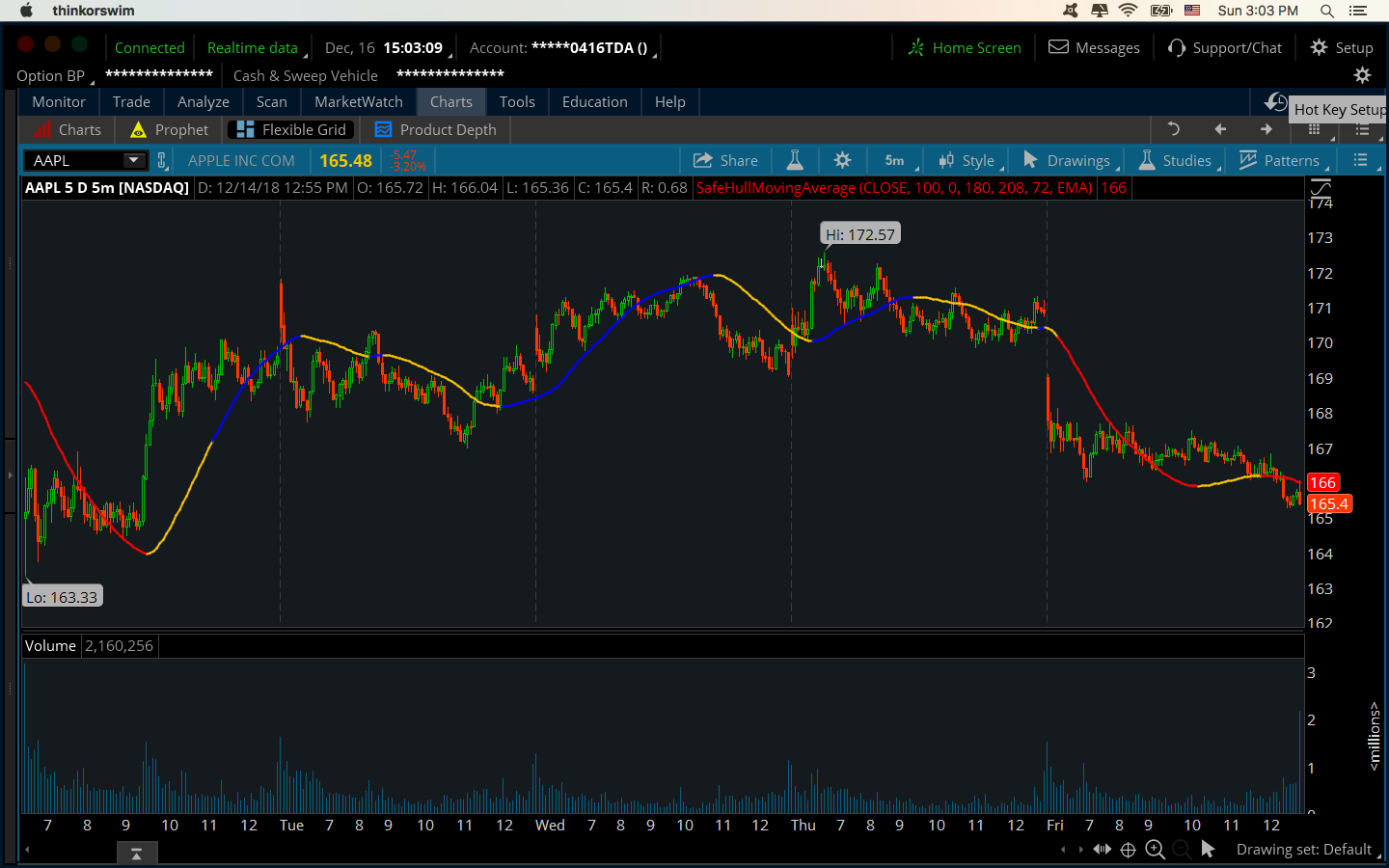
#========================================================
# HULL THERMAL MA ENGINE
# 10 / 30 Hull Moving Average
# Fast HMA thermal awareness vs Slow HMA
# antwerks
#========================================================

declare upper;

input fastHMALength = 10;
input slowHMALength = 30;

input expansionLookback = 3;
input percentStretchWarn = 1.00;
input percentStretchHot = 2.00;

input showCloud = yes;
input showLabels = yes;
input showSignals = yes;
input colorPriceBars = no;

def na = Double.NaN;

#-----------------------------
# HULL MOVING AVERAGES
#-----------------------------
plot FastHMA = HullMovingAvg(close, fastHMALength);
plot SlowHMA = HullMovingAvg(close, slowHMALength);

FastHMA.SetLineWeight(3);
SlowHMA.SetLineWeight(3);

#-----------------------------
# DISTANCE / SPREAD
#-----------------------------
def spread = FastHMA - SlowHMA;
def spreadPct = if SlowHMA != 0 then (spread / SlowHMA) * 100 else 0;

def absSpreadPct = AbsValue(spreadPct);

def spreadExpanding =
    AbsValue(spread) > AbsValue(spread[expansionLookback]);

def spreadContracting =
    AbsValue(spread) < AbsValue(spread[expansionLookback]);

def fastLeading = FastHMA > SlowHMA;
def fastLagging = FastHMA < SlowHMA;

#-----------------------------
# SLOPE
#-----------------------------
def fastRising = FastHMA > FastHMA[1];
def fastFalling = FastHMA < FastHMA[1];

def slowRising = SlowHMA > SlowHMA[1];
def slowFalling = SlowHMA < SlowHMA[1];

#-----------------------------
# THERMAL STATES
#-----------------------------
def bullExpansion =
    fastLeading and fastRising and slowRising and spreadExpanding;

def bullCooling =
    fastLeading and spreadContracting;

def bearExpansion =
    fastLagging and fastFalling and slowFalling and spreadExpanding;

def bearCooling =
    fastLagging and spreadContracting;

def compression =
    absSpreadPct < 0.25;

def stretched =
    absSpreadPct >= percentStretchWarn;

def hotStretch =
    absSpreadPct >= percentStretchHot;

#--------------------------------------------------
# THREADING / BRAIDING ENGINE
#--------------------------------------------------

input atrLengthThread = 14;

def atrThreadValue = Average(TrueRange(high, close, low), atrLengthThread);

def hmaSpreadValue =
    AbsValue(FastHMA - SlowHMA);

def spreadATRRatio =
    if atrThreadValue != 0
    then hmaSpreadValue / atrThreadValue
    else 0;

def threadingState =
    spreadATRRatio < 0.10;

def braidedState =
    spreadATRRatio >= 0.10 and
    spreadATRRatio < 0.35;

def expandingState =
    spreadATRRatio >= 0.35 and
    spreadATRRatio < 0.75;

def trendingState =
    spreadATRRatio >= 0.75;

#-----------------------------
# COLORS
#-----------------------------
FastHMA.AssignValueColor(
    if bullExpansion then Color.GREEN
    else if bullCooling then Color.CYAN
    else if bearExpansion then Color.RED
    else if bearCooling then Color.ORANGE
    else Color.GRAY
);

SlowHMA.AssignValueColor(
    if slowRising then Color.YELLOW
    else if slowFalling then Color.MAGENTA
    else Color.GRAY
);

#==================================================
# THREADING CLOUD
#==================================================

AddCloud(
    if showCloud and threadingState then FastHMA else Double.NaN,
    if showCloud and threadingState then SlowHMA else Double.NaN,
    Color.CYAN,
    Color.CYAN
);

#==================================================
# BRAIDED CLOUD
#==================================================

AddCloud(
    if showCloud and braidedState then FastHMA else Double.NaN,
    if showCloud and braidedState then SlowHMA else Double.NaN,
    Color.YELLOW,
    Color.YELLOW
);

#==================================================
# BULL EXPANSION CLOUD
#==================================================

AddCloud(
    if showCloud and fastLeading and !threadingState and !braidedState then FastHMA else Double.NaN,
    if showCloud and fastLeading and !threadingState and !braidedState then SlowHMA else Double.NaN,
    Color.GREEN,
    Color.GREEN
);

#==================================================
# BEAR EXPANSION CLOUD
#==================================================

AddCloud(
    if showCloud and fastLagging and !threadingState and !braidedState then FastHMA else Double.NaN,
    if showCloud and fastLagging and !threadingState and !braidedState then SlowHMA else Double.NaN,
    Color.RED,
    Color.RED
);

#-----------------------------
# SIGNALS
#-----------------------------
def bullCross =
    FastHMA crosses above SlowHMA;

def bearCross =
    FastHMA crosses below SlowHMA;

plot BullCrossSignal =
    if showSignals and bullCross then low else na;
BullCrossSignal.SetPaintingStrategy(PaintingStrategy.ARROW_UP);
BullCrossSignal.SetDefaultColor(Color.GREEN);
BullCrossSignal.SetLineWeight(4);

plot BearCrossSignal =
    if showSignals and bearCross then high else na;
BearCrossSignal.SetPaintingStrategy(PaintingStrategy.ARROW_DOWN);
BearCrossSignal.SetDefaultColor(Color.RED);
BearCrossSignal.SetLineWeight(4);

plot CoolingDot =
    if showSignals and bullCooling and !bullCooling[1] then high else na;
CoolingDot.SetPaintingStrategy(PaintingStrategy.POINTS);
CoolingDot.SetDefaultColor(Color.CYAN);
CoolingDot.SetLineWeight(4);

plot BearCoolingDot =
    if showSignals and bearCooling and !bearCooling[1] then low else na;
BearCoolingDot.SetPaintingStrategy(PaintingStrategy.POINTS);
BearCoolingDot.SetDefaultColor(Color.ORANGE);
BearCoolingDot.SetLineWeight(4);

#-----------------------------
# PRICE COLOR
#-----------------------------
AssignPriceColor(
    if !colorPriceBars then Color.CURRENT
    else if bullExpansion then Color.GREEN
    else if bullCooling then Color.CYAN
    else if bearExpansion then Color.RED
    else if bearCooling then Color.ORANGE
    else Color.GRAY
);

#-----------------------------
# LABELS
#-----------------------------
AddLabel(
    showLabels,
    if fastLeading then "HMA STATE: FAST LEADING 30"
    else if fastLagging then "HMA STATE: FAST BELOW 30"
    else "HMA STATE: NEUTRAL",
    if fastLeading then Color.GREEN
    else if fastLagging then Color.RED
    else Color.GRAY
);

AddLabel(
    showLabels,
    "SPREAD: " + Round(spreadPct, 2) + "%",
    if spreadPct > 0 then Color.GREEN
    else if spreadPct < 0 then Color.RED
    else Color.GRAY
);

AddLabel(
    showLabels,
    if bullExpansion then "THERMAL: BULL EXPANDING"
    else if bullCooling then "THERMAL: BULL COOLING"
    else if bearExpansion then "THERMAL: BEAR EXPANDING"
    else if bearCooling then "THERMAL: BEAR COOLING"
    else "THERMAL: MIXED",
    if bullExpansion then Color.GREEN
    else if bullCooling then Color.CYAN
    else if bearExpansion then Color.RED
    else if bearCooling then Color.ORANGE
    else Color.GRAY
);

AddLabel(
    showLabels,
    if hotStretch then "STRETCH: HOT / TAKE CARE"
    else if stretched then "STRETCH: EXTENDED"
    else if compression then "STRETCH: COMPRESSED"
    else "STRETCH: NORMAL",
    if hotStretch then Color.MAGENTA
    else if stretched then Color.YELLOW
    else if compression then Color.CYAN
    else Color.GRAY
);

AddLabel(
    showLabels,
    if fastLeading and slowRising then "STRATEGY: LONG BIAS"
    else if fastLagging and slowFalling then "STRATEGY: SHORT / DEFENSIVE"
    else if bullCooling then "STRATEGY: TRAIL / WATCH PULLBACK"
    else if bearCooling then "STRATEGY: BEAR RELIEF / WATCH FAIL"
    else "STRATEGY: WAIT",
    if fastLeading and slowRising then Color.GREEN
    else if fastLagging and slowFalling then Color.RED
    else if bullCooling then Color.CYAN
    else if bearCooling then Color.ORANGE
    else Color.GRAY
);

AddLabel(
    showLabels,
    "STRUCTURE: " +
    (if threadingState then "THREADING"
     else if braidedState then "BRAIDED"
     else if expandingState then "EXPANDING"
     else "TRENDING"),
    if threadingState then Color.CYAN
    else if braidedState then Color.YELLOW
    else if expandingState then Color.GREEN
    else Color.MAGENTA
);

AddLabel(
    showLabels,
    "ATR SPREAD: " +
    Round(spreadATRRatio, 2),
    if spreadATRRatio < 0.15 then Color.CYAN
    else if spreadATRRatio < 0.35 then Color.YELLOW
    else if spreadATRRatio < 0.75 then Color.GREEN
    else Color.MAGENTA
);

AddLabel(
    showLabels,
    "LEAD: " + Round(spreadATRRatio,2) + " ATR",
    if threadingState then Color.CYAN
    else if braidedState then Color.YELLOW
    else if expandingState then Color.GREEN
    else Color.MAGENTA
);