

As a discussion point, here is my current way of backtesting.
1. Create a wall of charts in charts. For example I have a current set of 24 Futures products I wish to focus.
2. Set all the timeframe setups to be the same. For example 90 days, 15 minute data.
3. Add a single study that outputs p/l calculations as labels. Add that single study to each chart. Rename this study a unique name such as "MultiTest".
4. Now save this as a workspace (Setup/Save workspace). Name this such as "Multitest Futures 90d 15M.
4a... Continue to add other timeframes you wish to review. Change all the charts timeframes to another timeframe and save the workspace with a new name.
Now anytime you have a new study to review, overwrite the "MultiTest" study with the new study to review its performance.
Boom lots of data.
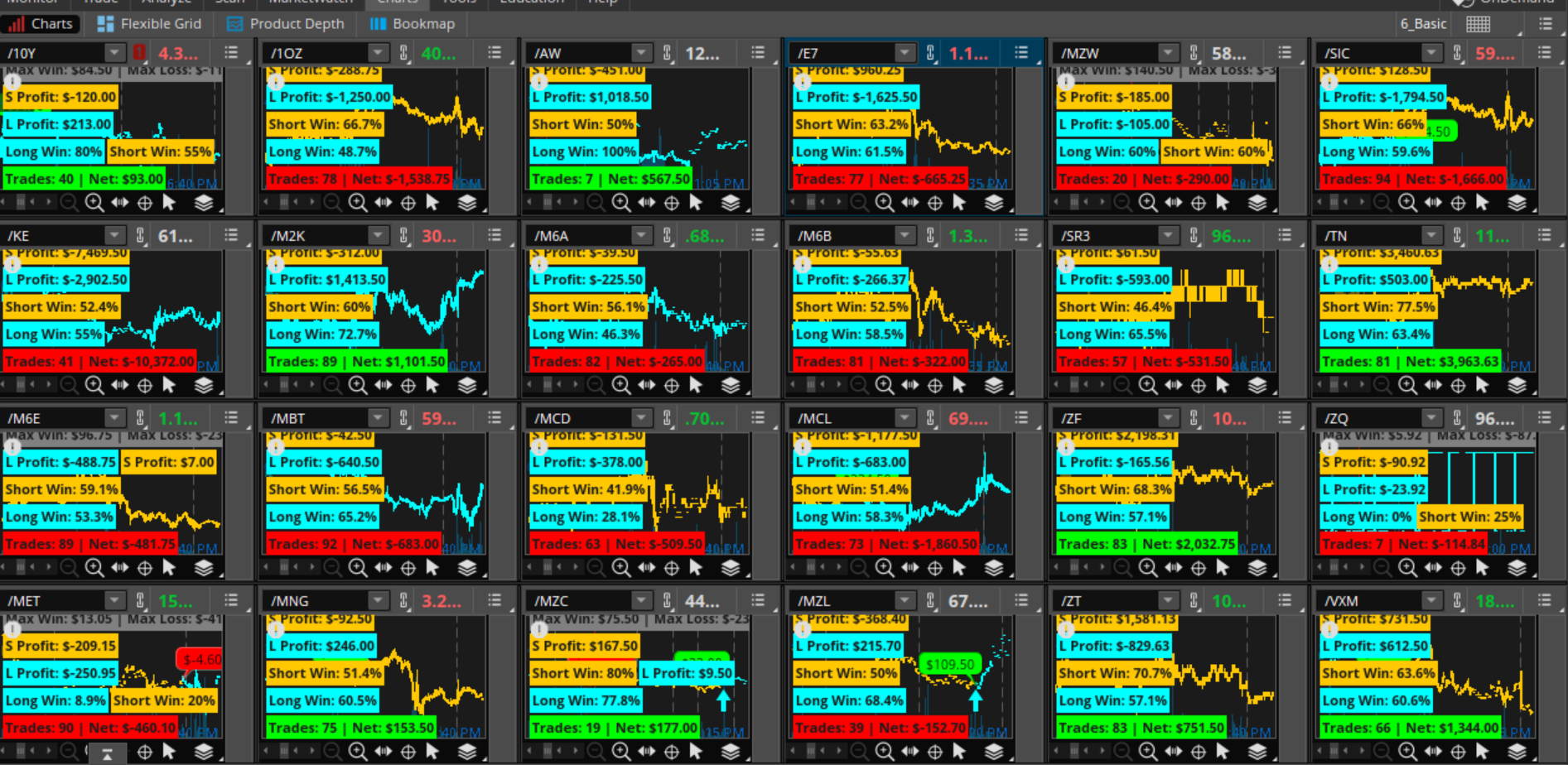
Here's a study with its output on the 90 day, 5 minute timeframe.
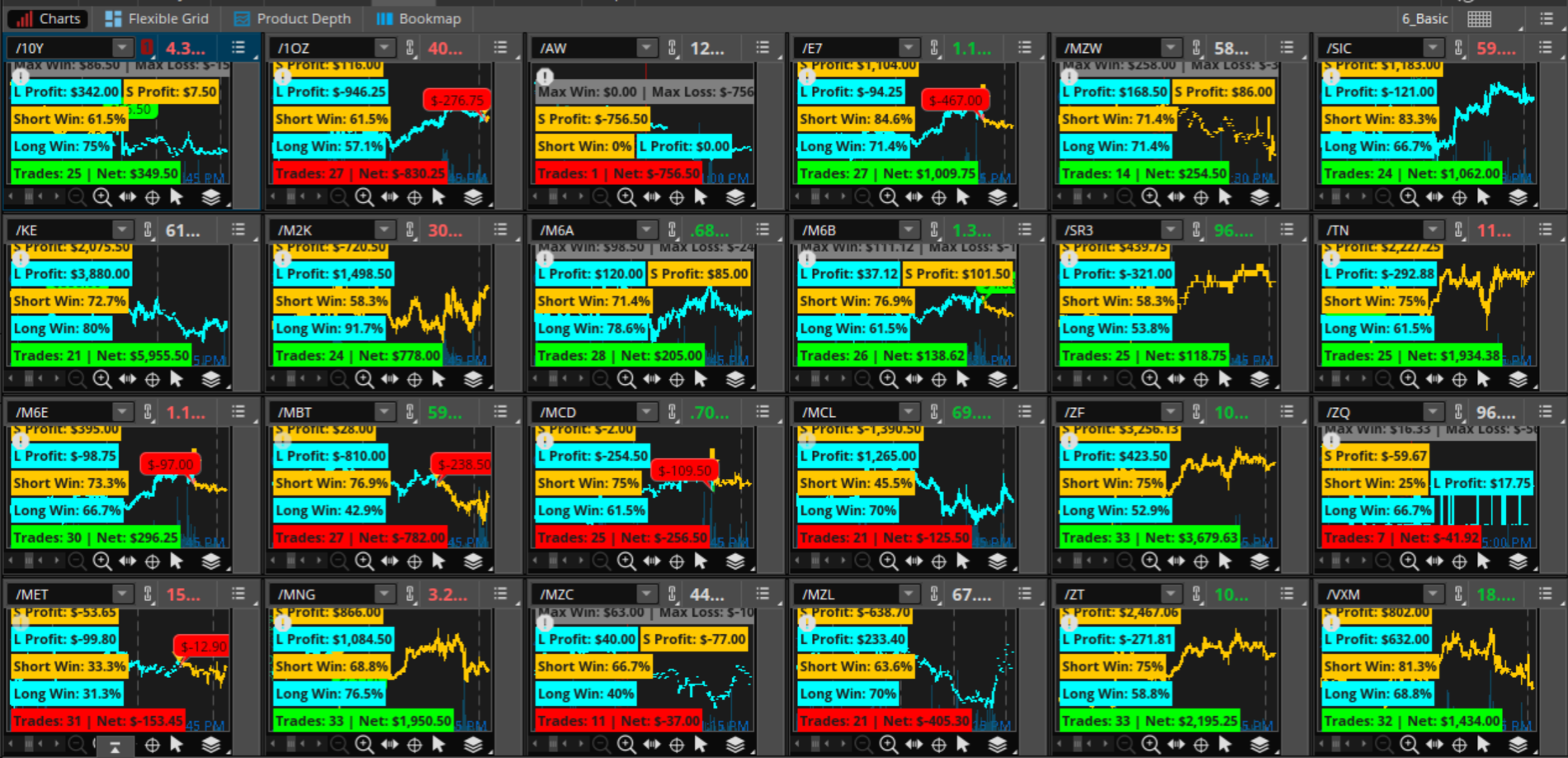
And on the 90 day, 15 minute timeframe.
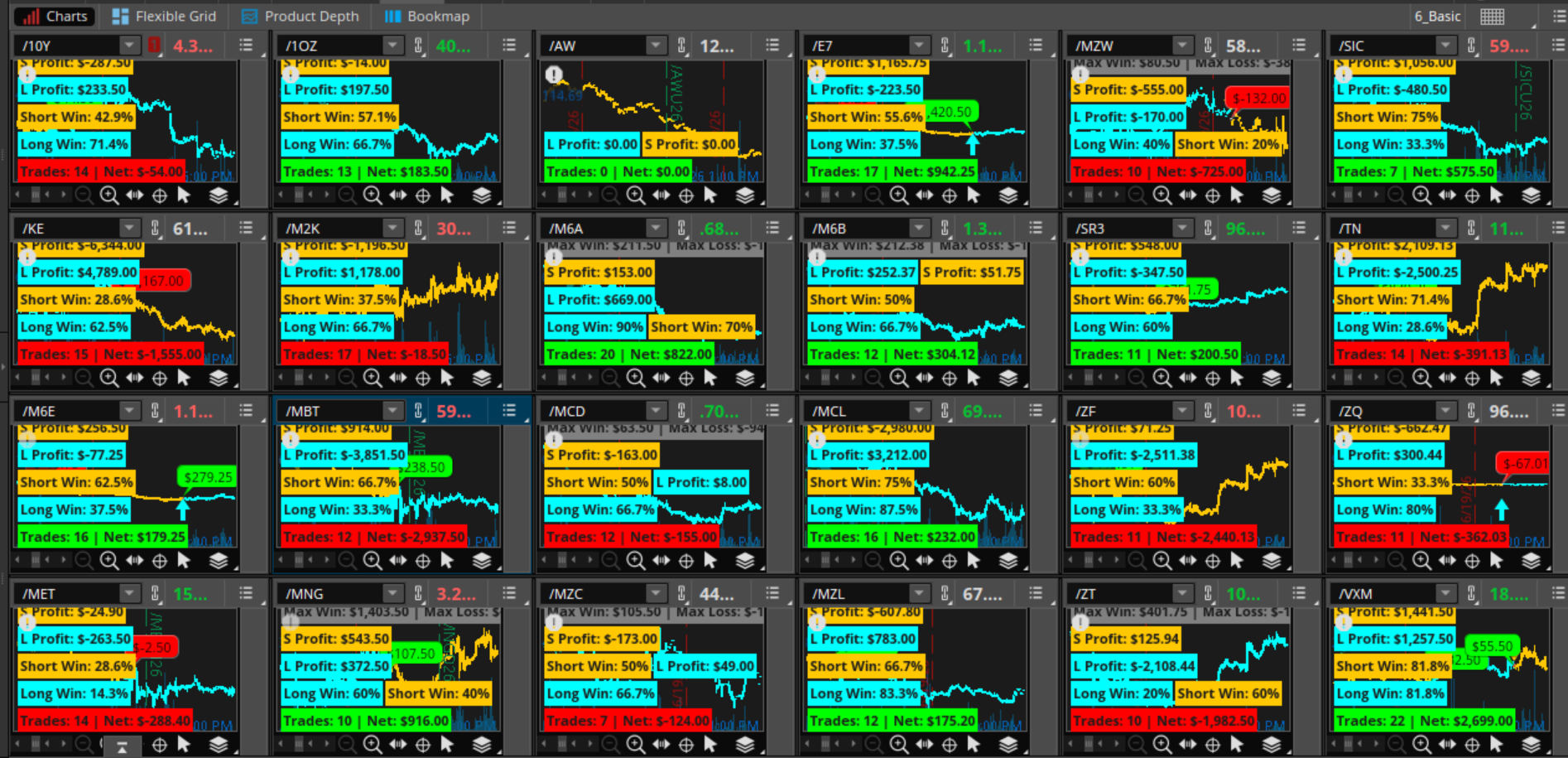
And on the 180 day, 1 hour timeframe.
1. Create a wall of charts in charts. For example I have a current set of 24 Futures products I wish to focus.
2. Set all the timeframe setups to be the same. For example 90 days, 15 minute data.
3. Add a single study that outputs p/l calculations as labels. Add that single study to each chart. Rename this study a unique name such as "MultiTest".
4. Now save this as a workspace (Setup/Save workspace). Name this such as "Multitest Futures 90d 15M.
4a... Continue to add other timeframes you wish to review. Change all the charts timeframes to another timeframe and save the workspace with a new name.
Now anytime you have a new study to review, overwrite the "MultiTest" study with the new study to review its performance.
- Change between your saved workspaces to evaluate different timeframes.
- If you want to evaluate changes of the inputs:
- First, replace the "MultiTest" study with a random study, apply.
- Then go back to the study of interest and hard code the input value in the study you want to test and apply that change.
Boom lots of data.
Here's a study with its output on the 90 day, 5 minute timeframe.
And on the 90 day, 15 minute timeframe.
And on the 180 day, 1 hour timeframe.
Last edited:


